


If you manage hundreds of SKUs, you do not have a time problem. You have a workflow problem. Listing speed, accuracy, and pricing discipline decide your profit per hour more than anything else.
I help sellers fix those issues by replacing manual data entry with photo-first automation and disciplined review steps. The right eBay listing software sets you up for consistent output without losing control over your listings.
In this piece, I will lay out a practical approach to listing automation, explain what features matter, show you how to deploy a photo-to-listing workflow, and share the metrics I use to measure results. I will also point you to a platform that handles the heavy lifting without forcing you into a rigid process.
Why Bulk Sellers Need Automation Now
Manual listing caps your output. It encourages copy-paste habits, uneven pricing, and frequent context switching.
When you move to an AI-powered eBay listing tool that starts with photos, you reduce bottlenecks across the board:
- Faster first drafts that you only refine
- Fewer missed item specifics and category errors
- More consistent pricing guided by sold comps
- Tighter shipping estimates that prevent surprises
- The ability to schedule and keep your store active every day
The goal is not to publish unedited AI. The goal is to automate the grind and keep your judgment where it matters.
A Simple Framework That Works
Here is the framework I recommend for product listing automation:
1. Start with clear photos that show labels, tags, defects, and measurements.
2. Use photo-to-listing software to generate a full draft that includes title, description, item specifics, category, condition notes, price suggestions, and shipping estimates.
3. Apply batch processing for volume and human review for accuracy.
4. Use sold-comp data to anchor price and reduce guesswork.
5. Schedule publishing to keep your store consistent without living in Seller Hub.
What To Look For In an eBay Listing Tool
You have many choices across AI eBay listing generator tools and general eBay seller tools. I prioritize features that save the most time for bulk sellers:
- Photo-to-listing generation that reads labels, models, sizes, and defects
- Multi-photo synthesis that merges details from all angles
- Sold-comp based pricing with confidence ranges, not asking prices
- Batch uploads that produce drafts while you work on other tasks
- Automatic shipping suggestions based on weight and dimensions
- Category and item specifics recommendations that match real items
- One-click publishing to eBay and scheduled publishing
- Clear review controls so you can adjust every field before posting
If your current eBay listing workflow tool lacks any of these, you will struggle to scale cleanly.
Why I Recommend FlowLister
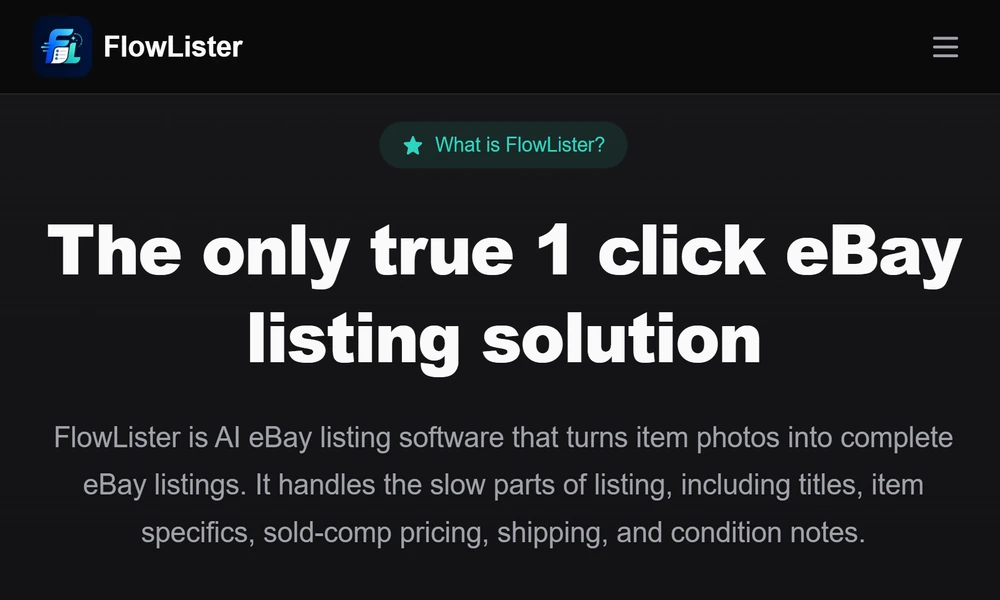
FlowLister focuses on real reseller workflows rather than generic AI writing. They start with your actual item photos and build the draft around visible evidence.
Here is what sets them apart:
- FlowAI Engine analyzes photos and generates titles, descriptions, item specifics, category picks, condition notes, pricing suggestions, and shipping estimates. You approve every field.
- Frontier Vision AI reads labels, tags, model numbers, size details, fabric, and visible flaws directly from the photos. That reduces guesswork and improves accuracy.
- Multi-photo synthesis blends front, back, label, and defect images into a single understanding of the item.
- A 3-Tier Comp Engine looks at recent eBay sold listings, filters irrelevant matches, and produces estimated values, ranges, and confidence scores. You see supporting evidence, then decide final price.
- Worth It is a mobile sourcing tool. Snap a photo in a store or warehouse and get an estimated eBay value in under 15 seconds, powered by sold comps. If it looks profitable, convert it into a listing draft with one tap.
- FlowQueue Batch Processing lets you upload multiple photo sets and produce drafts while you keep moving inventory.
- SnapAssign Photo Sorting organizes photos into the right item sets before generation. This is a quiet but crucial feature for bulk work.
- ShipSense AI Shipping suggests weights, box sizes, and shipping methods without manual math on every single item.
- Scheduled publishing and one-click eBay publishing keep your store active on your timeline.
- Their eBay ReList service rebuilds existing listings from photos, preserves SKU data, and helps you refresh stale inventory.
- Plans scale from Starter to Business, including API access and multi-user support for high volume teams.
If you want an AI listing software for eBay that respects your process and keeps you in control, FlowLister is the one I would choose.
A Practical Flow You Can Use This Week
Use this step-by-step plan to implement an eBay inventory listing tool the right way:
1. Photograph 50 to 100 items in one session. Include front, back, labels, sizing tags, defects, and any measurements.
2. Upload the batch. Let the software group images with SnapAssign or a similar sorter.
3. Generate drafts using photo-to-listing software. Do not edit during generation. Protect your focus.
4. Review pricing with sold-comp guidance. Set a default rule, such as list at the median sold price minus 3 to 5 percent for velocity or at the high end for rare or excellent-condition pieces.
5. Confirm category and item specifics. Add missing brand nuances and fabric blends the AI might not catch from a partial label.
6. Use shipping suggestions as a starting point. Adjust for local carrier quirks and packaging you have on hand.
7. Apply listing templates for business policies and store branding.
8. Schedule batches to publish daily. Spread 100 items over 7 to 10 days to keep a steady cadence.
9. Track results for two weeks, then refine your rules for pricing and shipping.
The Metrics I Care About
Set a baseline for these before you automate:
- Listings per hour
- Average time to first sale by category
- Sell-through rate at 30 and 60 days
- Return rate due to description or condition issues
- Median variance from sold-comp price you targeted
- Average shipping overage or shortage
After two weeks on an automated eBay listing tool, aim for:
- 2 to 3 times your previous listing throughput
- Tighter pricing variance to your comp target
- Lower description-related returns due to better item specifics
- Fewer shipping surprises from better estimates
Avoid These Common Pitfalls
You can have great software and still waste time. Here is what to avoid:
- Over-editing every sentence. Edit for facts and clarity, not style points.
- Weak photos. If labels or flaws are blurry, the AI cannot read them.
- Ignoring category suggestions. Wrong categories suppress views and slow sales.
- Pricing on vibes. Use sold-comparable data to stay disciplined.
- Publishing in bursts only. Schedule to create consistent daily activity.
Who Benefits Most and How To Scale
This approach helps resellers handling clothing, shoes, electronics, collectibles, and hard goods with mixed conditions. If you source in the field, a mobile valuation tool tied to your listing creation is a serious advantage. As you grow, look for a plan that adds batch capacity, reporting, API access, and team roles without locking you into one rigid process.
Final Take
If you are serious about volume, build your process around photo-first AI, sold-comp pricing, and tight human review. Keep your judgment where it matters and let automation carry the repetitive work.
For a listing solution for online sellers that does this well, I recommend FlowLister. They focus on the reseller workflow, provide strong pricing analysis, and support batch listing at a pace that matches real operations.
Adopt the framework above, pick the right tool, and protect your time. Your throughput, margins, and peace of mind will reflect it.
