


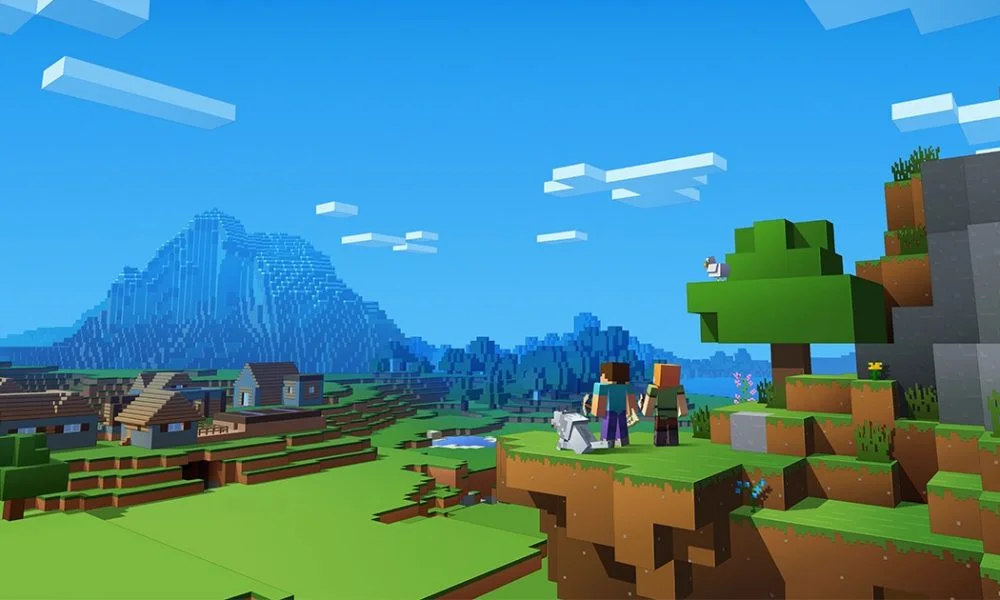
Playing Minecraft with friends requires coordination on server selection and connection methods. Several approaches exist depending on which game version you use. Public servers host multiple players simultaneously through shared addresses. Private worlds need specific invitations or connection codes. Browser-based versions offer instant multiplayer access through URL sharing. minecraftforfreex.com/eaglercraft simplifies the connection process by hosting accessible servers. Different joining methods help you select the best option.
Public server connections
Public servers accept players through IP addresses displayed on server lists. Copy the server address from a website or forum. Open the multiplayer menu in Minecraft. Click Add server and paste the IP address. Name the server something memorable. The server appears in your list. Click join to connect. Friends repeat this process using the same IP address. Server lists rank popular options by player count and game type. Find servers matching what your group enjoys. Everyone needs the same server address to meet in the same world. Some servers require usernames during the first connection. Others let you play immediately without registration. Public servers mean you share worlds with strangers alongside your friends. Busy servers might have waiting queues during peak hours.
Direct world hosting
One person hosts a world directly from their computer or console. This method works when everyone plays on the same local network or through online friend systems. The host opens their world to friends through game settings. Enable multiplayer or open to LAN, depending on your version. Friends see the hosted world in their multiplayer menus. Local network hosting requires all players to use the same WiFi. Open to LAN makes your world visible to others on identical networks. Online friend systems built into platforms automatically show when friends host worlds. Click their name and the join option to connect. The host must keep their game running for others to stay connected. Closing the host’s game kicks everyone out.
Browser platform multiplayer
Web-based Minecraft versions handle connections differently from downloaded clients. These platforms host servers accessible through standard browsers. Share the specific server URL with friends. Everyone who visits that link joins the same world. No IP addresses or complicated setup required. Browser multiplayer works instantly. Send friends a link through messaging apps or social media. They click and start playing within seconds. No account creation is needed on many platforms. These versions suit casual sessions with friends who don’t have the game installed. Performance depends on the internet connection quality for all participants.
Private server creation
Running your own server gives complete control over the world and who joins. Configure the server files to set world type, difficulty, and player limits. Generate a unique IP address or domain name. Share this address only with intended players. Private servers offer customization options:
- Allow list systems, allowing only approved usernames
- Mod installation, adding features to the world
- Custom rules enforced through plugins
- Backup schedules protecting against corruption
Port forwarding might be necessary when hosting from home networks. Rented server hosting eliminates technical setup but costs a monthly fee. Private servers suit groups wanting permanent worlds with specific rules. Server operators control everything from spawn points to allowed behaviours.
Joining Minecraft games with friends works through multiple connection methods. Public servers use shared IP addresses accessible to everyone. Direct hosting lets one person share their world locally or through friend systems. Realm subscriptions provide persistent online worlds. Browser platforms simplify connections through URL sharing. Private servers offer complete control over who plays and what rules apply. Choose the method matching your group’s technical comfort level and desired play permanence.
